
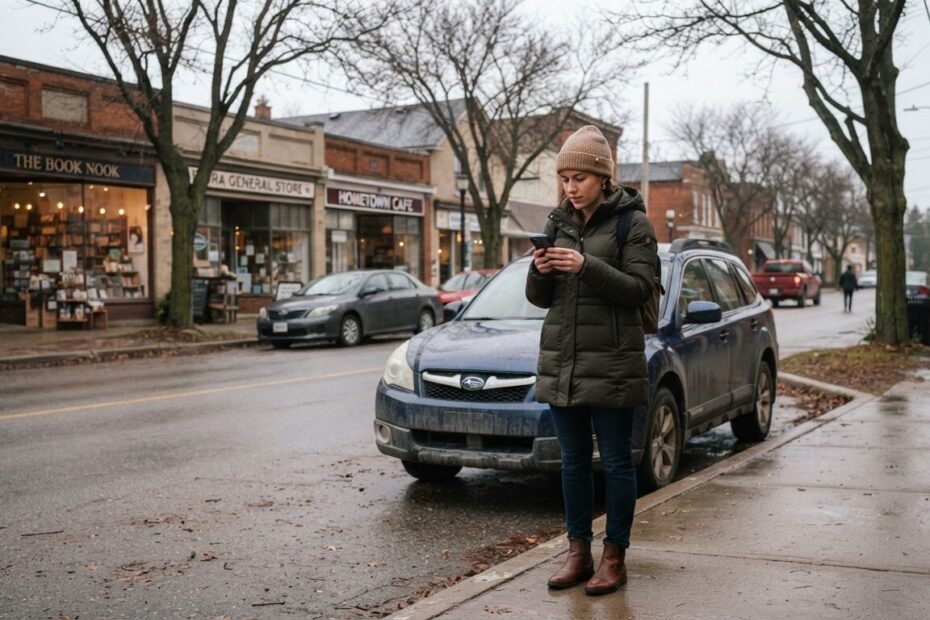
It is a cold November evening, and someone has just decided to visit your shop, clinic or restaurant. They are already pulling on their coat. They open your website to check the address, and then they hunt. The address is buried in a footer, the parking is a mystery, and the map is a tiny picture they can’t tap.
That moment matters more than most businesses realize. Someone who is already on their way is the easiest customer you will ever win, and also one of the easiest to lose. A simple website directions link Google Maps can open in one tap, backed by clear arrival details, takes away the guesswork.
Here are five overlooked ways to do it well, whether you are in Innisfil, Alcona, Lefroy, Cookstown, Barrie or anywhere else in Simcoe County and the GTA.
Start With What Your Customer Is Really Doing
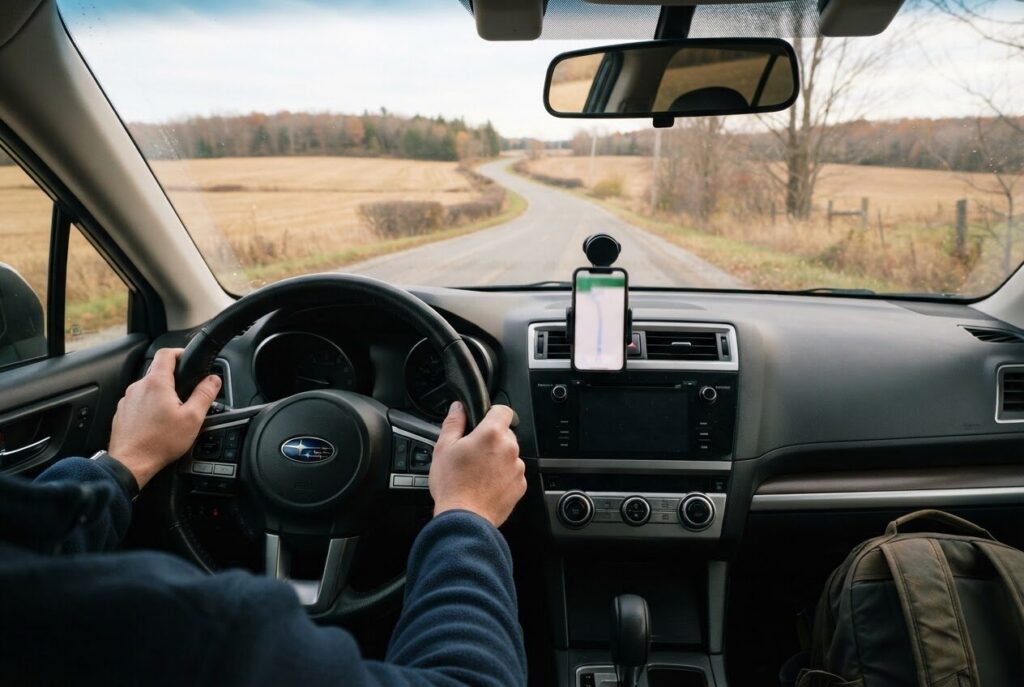
Most people search on their phone first, and many look up a business while they are walking out the door or sitting in the car. They are not browsing. They want to know where to go, where to park and whether you are open when they get there.
If your site makes them work for that, some will simply pick the next business on the list. Others will arrive late, annoyed, or at the wrong door. Neither is a good start to a visit.
The good news is that this is one of the cheapest problems to fix. It doesn’t need a big redesign, just a few thoughtful additions.
5 Overlooked Ways a Directions Link Wins Customers on Their Way
1. Put a Real “Get Directions” Button Where a Thumb Can Find It
A street address written as plain text makes the customer copy it, switch apps and paste it. Every extra step is a chance to give up. A button labelled “Get Directions” that opens Google Maps with your location already filled in does all of that for them.
Place it where people look first: near the top of your home page, on your contact page and in the footer on every page. On a phone, make the button big enough to tap without zooming.
Use words people understand. “Get Directions” or “Open in Google Maps” beats a clever label every time. You can create the link from your own business listing, so it points to the same place your customers will see in search.
2. Write the Arrival Details in Plain Words
A map pin gets people to your street. It doesn’t tell them which door to use. Many local businesses sit in plazas, on farm roads or behind another building, and the pin can land a little off.
Add a short “When You Arrive” section right beside the button. Cover the things customers usually wonder about:
- Which entrance to use, and whether you are at the front, side or back
- Where to park, and whether parking is free or shared with other businesses
- A landmark that is easy to spot, such as a neighbouring store or a sign at the road
- Your unit or suite number, if you have one
- Anything about accessibility, like a ramp or a door that opens automatically
Keep it to a few lines. Write it the way you would explain it to a friend on the phone. That tone is warm and also very clear.
3. Give Directions From the Places Your Customers Actually Come From
Your customers don’t all start in the same spot. In a place like Innisfil, some drive in from Alcona or Lefroy, some come down from Barrie, and others head up from Bradford West Gwillimbury, Newmarket or Aurora. A few may be coming from Toronto or farther into the GTA for a special visit.
A single pin treats them all alike, but a few short lines can help the ones who are unsure. For example: “Coming from Barrie, you will pass us on your right before the main intersection.” Use your own roads and landmarks here, and only what you know to be true.
You don’t need a paragraph for every town. Pick the two or three directions most of your customers come from and write one or two sentences for each. If you also serve customers at their homes or workplaces, a page about the areas you cover helps too. We cover that in 5 overlooked ways a service area page wins customers in your town.
4. Plan for the Season and the Time of Day
Directions that are easy in July can be tricky in November. It gets dark early, parking lots can be snowy, and the front door you normally use may be the one that is shovelled last. Customers who feel unsure about the approach are more likely to turn around.
If something changes with the seasons, say so. A note such as “In winter, please use the side entrance, which is lit after dark” takes seconds to write and spares a lot of frustration. Update it when the weather turns, and remove it when it no longer applies.
This works best when it matches your hours. A customer who follows your directions at 5:45 and finds a locked door will remember that. Clear, accurate hours sit naturally beside your directions, and we go deeper on that in 5 overlooked ways your opening hours can win or lose customers online.
5. Use the Same Link Everywhere Customers Meet You
The directions link is not only for your contact page. Put it wherever someone might be about to travel to you:
- Booking and appointment confirmation emails
- Reminder texts the day before a visit
- Event pages and special announcements
- Your email signature
- The “thank you” message after a customer fills out a form
Someone who booked last week may not remember where you are. A confirmation with a one-tap directions link means they don’t have to search again, and the same details are always in front of them.
Make sure the link on your website matches your Google listing. If your address, pin or hours differ between the two, customers get confused and Google gets mixed signals. If you are curious about how Google’s map features are changing, our guide to Google’s new AI maps is a good next read.
Add a Simple Map Section Instead of a Tiny Picture
An embedded map is useful, but only if it is set up with care. A small map that scrolls the page by accident while someone is trying to read on a phone can be more annoying than helpful. Place it below your arrival details rather than above, so the written help comes first.
A good location section usually follows this order:
- A clear heading, such as “Find Us” or “Visit Us in Innisfil”
- The full address, written as text so people can read and copy it
- The Get Directions button
- Your “When You Arrive” notes on parking and entrances
- Your hours and phone number
- The embedded map, as a bonus for those who want to look around
This order puts the most useful things first and treats the map as a helper, not the whole answer. It also makes the page easier for search engines to understand, because your address and details are in real words, not locked inside a picture.
Test It Like a Stranger Would
You know the way to your own business so well that you can’t see the gaps. The best check is to pretend you have never been there.
Pick up your phone and open your own site over mobile data, not your Wi-Fi. Try to get from the home page to a route in Google Maps. Count the taps. Then ask a friend or a regular customer to try it and tell you where they hesitated.
Here are a few quick things to look for:
- Can you find the address within a few seconds, without scrolling past a lot of text?
- Does the button open Google Maps to the right spot?
- Do the parking and entrance notes still match what is really there today?
- Does your Google listing show the same address and hours as your site?
Fix whatever slows people down. Small tweaks like these don’t promise any particular result, but they do remove friction for people who have already decided to visit you.
Where ONLINEid.ca Can Help
If your website is hard to use on a phone, or your Google listing is missing or out of date, we can help sort that out. ONLINEid.ca builds custom websites for businesses across Innisfil, Simcoe County and the GTA, with no generic templates, so your directions, hours and arrival notes fit your business instead of a stock layout.
If you are not yet showing up on Google and Maps, our Google Placement service is $99 and puts your business, contact details and website onto Google and Maps. A Simple Website starts from $500 setup and works well as a digital business card with your location front and centre. You can see everything on our Services & Pricing page.
Whether you run a restaurant in Cookstown, a salon in Orillia or a trade business out of Barrie, the principle is the same. Make the last step easy, and the customer who was already on their way is far more likely to arrive happy.
Book a Free Consultation
Not sure where your website is making customers hunt? A team member at ONLINEid.ca will look at your business with you and make a plan, at no cost. You can book a free consultation at any time, or call our A.I. answering line at (289) 807-6364, which answers around the clock and puts you through to the team.