
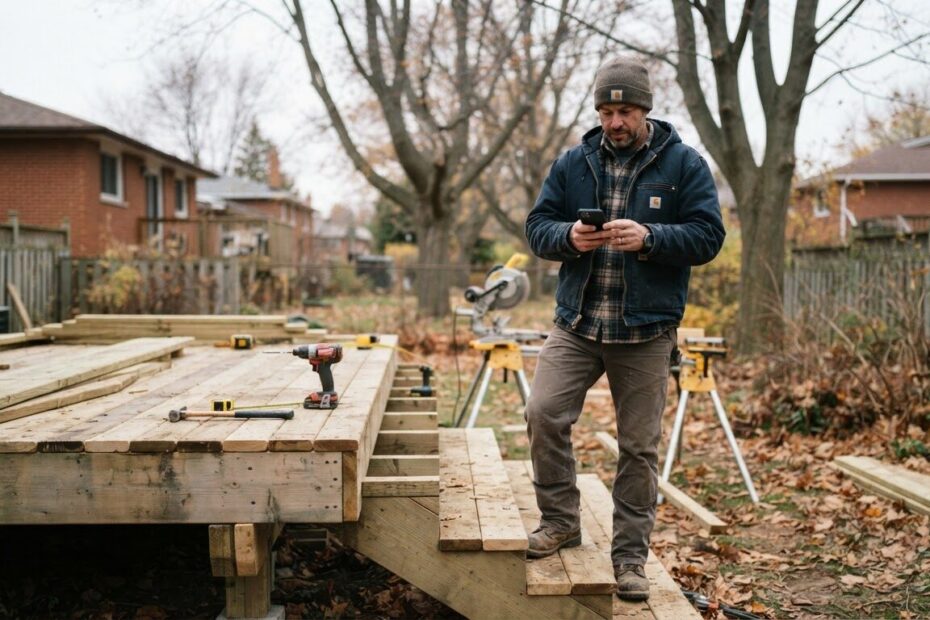
The phone rings in the middle of a job, a haircut or a busy lunch rush. You step away, pick up, and the first question is the one you answer ten times a week: “Roughly how much for…?” You explain the same factors again, and sometimes the caller says thanks and is never heard from again.
A website estimate calculator is a simple way to handle that conversation before it happens. It asks a few plain questions about the job, then shows a rough price range or a clear next step. For local businesses in Innisfil and across Simcoe County, it can turn the first call from a pricing quiz into a real conversation with someone who is ready to talk.
Understand What a Website Estimate Calculator Really Is
Forget complicated software. Think of a short set of questions on your website: what kind of job, how big, how soon, and where. At the end, the customer sees a ballpark range, or a message like “This sounds like a job we should look at together. Book a time below.”
It is not a binding quote, and it should say so. It is a way of telling customers, “Here is roughly what this involves,” so they can decide whether to go further. Both sides get a clearer picture before anyone picks up the phone.
Some businesses show a price range. Others never show a number and simply use the questions to sort enquiries into “ready to book”, “needs a visit” and “not a fit”. Both approaches work, and the second suits businesses whose prices vary a lot.
See Why It Changes the First Call
It Filters Out the Wrong Fit Without Being Rude
Not every enquiry is a good one. Some people want a price far below what the work costs, some live outside your area, and some are only collecting numbers for a comparison with no intention of booking.
When a range appears on the page, those people sort themselves out. Someone who sees the range and still clicks “request a visit” has already accepted the ballpark. You are not turning anyone away. You are letting the information do the screening for you.
It Warms Up the Customers Who Are Serious
A customer who has answered five questions about their own project has already started to picture hiring you. They have thought about the size of the job, their timing and their budget. By the time they call, they are not cold.
That tends to mean a calmer, shorter and more useful first conversation. You can skip “what do you have in mind?” and go straight to “I see you have a deck about this size, let’s find a time to come see it.”
It Saves You From Repeating the Same Pricing Talk
Most businesses have a handful of questions they answer over and over. A calculator answers them once, in writing, at any hour. That includes the evening when a homeowner in Alcona is scrolling on the couch and you are long off the clock.
Your time goes to the conversations that need a human: site visits, tricky details, and the customers who want reassurance before they commit.

Picture It in Your Kind of Business
The idea works well beyond the trades. Here is how it can look in a few local settings.
Trades and Home Services
A painter, landscaper, fencing crew or renovator in Lefroy or Cookstown might ask: what type of work, roughly what size, indoors or out, and when the customer hopes to start. The result might be a range plus a prompt to book a free on-site look. If you already collect requests through a form, our post on how a simple quote request form helps Simcoe County trades win more jobs pairs nicely with this idea.
Salons and Barbers
Colour work is the classic example. Hair length, current colour, desired result and whether a consultation is needed all change the time and the price. A short set of questions can end with “Based on this, we suggest a 20 minute consultation first” or a link to book the right appointment length. That means fewer surprises at the chair and fewer messages asking about price.
Clinics and Wellness Providers
Many clinics cannot, or would rather not, quote a price before an assessment. A calculator can still help. It can ask what kind of service the person needs, whether they are new or returning, and whether they have coverage questions, then point them to the right appointment type and explain what the first visit includes. Keep any health information out of it. It is about choosing the right door, not collecting personal details.
Shops and Local Retailers
A shop in Barrie or Bradford West Gwillimbury that does custom orders, framing, alterations, engraving or special deliveries can use the same approach. A few questions about size, material and timing lead to a rough range and an invitation to drop in or send a photo. It stops the back and forth of “how much would that be?” in the direct messages.

Start Small With Five Questions
You do not need to build a perfect tool on day one. A small version that you improve over time beats a big one that never launches. Here is a simple way to begin.
- List the questions you always ask on the phone. Whatever you ask first, every time, belongs in the calculator.
- Pick the factors that move your price. Size, material, urgency, distance and add-ons are common ones. Leave out anything that does not change your answer.
- Use plain choices, not blank boxes. Buttons or short lists are quicker than typing, especially on a phone.
- Decide what happens at the end. A range, a recommended service, or a booking prompt. Every path should lead somewhere useful.
- Ask for contact details last. Let people see value first, then ask for a name and number if they want you to follow up.
Aim for questions that take a minute or less to answer. If you find yourself writing a tenth question, ask whether you truly need it, or whether it belongs in the conversation that comes after.
Be Honest About the Range
Trust is the whole point, so wording matters. Say clearly that the figure is a rough idea, what it includes, and what could change it. Something like “Most jobs like this land in this range, but hidden issues, access and materials can move it” sets the right expectation.
Give yourself room, too. A range that is too narrow leaves you either losing money or explaining why the final number is higher. A range that is honest and a bit wide leads to better conversations. If your pricing is too variable for any range, skip the number and use the questions to recommend a visit or consultation instead.
Make It Easy for Customers to Take the Next Step
A calculator that ends with a number and nothing else wastes the moment. The person has just decided you might be a fit, so give them an obvious next move: a booking button, a click-to-call button, or a short form that asks for the best time to reach them.
Think about speed after that, too. If someone submits their details at nine at night, an immediate acknowledgement tells them you got it. Our post on why a simple text-back and enquiry auto-reply helps you win the customer who asked first explains how to keep that early warmth going.
Most people search and browse on their phone first, so test the whole thing with your thumb. If the buttons are tiny or the questions run off the screen, simplify. Our guide on why mobile-first website design changes the way you get local customers covers what a phone-friendly page needs.
Avoid the Common Mistakes
- Too many questions. Every extra step loses a few people. Keep it short.
- Jargon. Use the words your customers use, not the ones on your supplier’s invoice.
- Hiding the next step. Always show what to do after the result.
- Treating it as a final quote. It is a rough guide. Say so clearly.
- Never reviewing it. If prices change or the same question keeps coming up by phone, update the tool.
Connect It to a Free Consultation
For many local businesses, the best result of a calculator is not a number but a booking. Pointing the result to a free consultation, a free site visit or a short phone call turns curiosity into a real appointment and gives the customer a low-pressure way to say yes.
The same goes for your own website project. If you are wondering where a tool like this would fit, whether on a simple site or as part of something larger, you can look at the options on our Services & Pricing page. A Simple Website starts from $500 setup, and a Website & Web Application, which suits custom tools, is $750. A team member can look at your business and help you choose a sensible first step for a small calculator, whether you serve Innisfil, Orillia, Newmarket, Aurora or the wider GTA.
Start With One Job, Not Every Job
If your business offers ten services, do not try to cover them all. Pick the one you get asked about most, or the one where the pricing conversation drags on longest, and build the calculator for that alone. Watch how customers use it, hear what they say on the phone, and then add the next service.
Small, steady improvements are how a simple online tool becomes a quiet, reliable part of how your business runs. It works while you are on a roof, behind a chair or at the counter, and it leaves you with better conversations when you do pick up the phone.

Ready to see where an estimate calculator could fit in your business? Book a free consultation with ONLINEid.ca. A team member will look at how you work, talk through your pricing questions with you, and make a plan that suits your business and your customers in Innisfil, Simcoe County and beyond.