
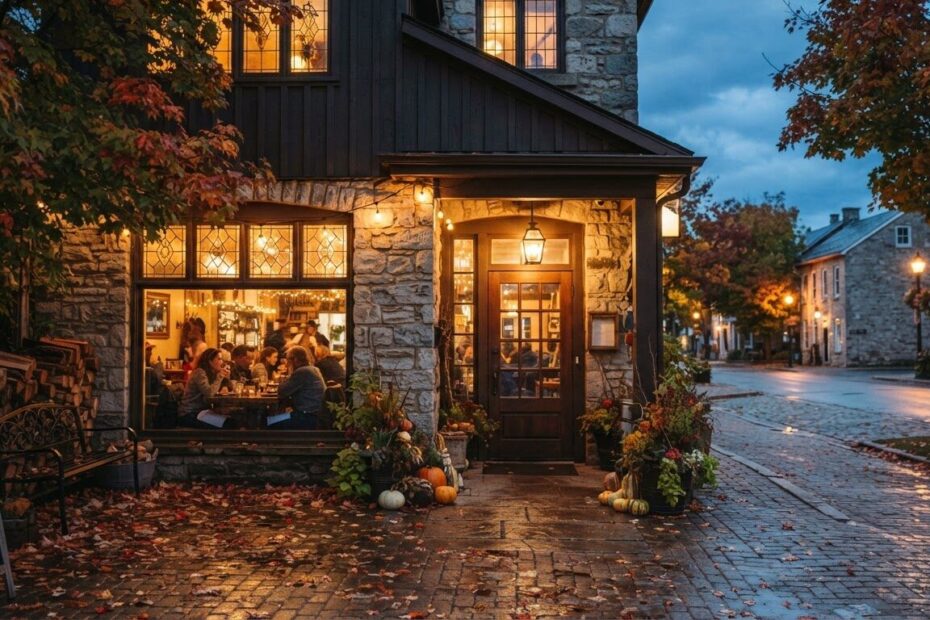
It is 5:30 on a Friday, and someone in Alcona is sitting in the car with hungry kids, searching for dinner on their phone. They tap your restaurant, and a PDF menu opens. It is blurry, tiny, and it will not scroll the way they need it to. They give it ten seconds, then go back to the search results and tap the next place.
If that sounds familiar, you are not alone. Many restaurant owners across Innisfil, Barrie, Cookstown and the rest of Simcoe County have a menu that looks great on paper but is hard to use on a phone. Good restaurant website design fixes that, and it does not have to be complicated or expensive.
Understand Why a PDF Menu Falls Short
A PDF is made for printing, not for a phone screen. Most people searching for a place to eat are on their phone, often in a hurry, and often with one hand free. A document that needs pinching, zooming and sideways scrolling is a poor first impression of your kitchen.
It is hard to read
Small text, tight columns and slow downloads add up. If your menu is a scan or a photo of a printed page, it is really just a picture. Customers cannot copy a dish name, and they cannot easily find the vegetarian options or the kids’ section.
It goes out of date
Prices change, specials rotate and the seasonal menu shifts in the fall. Every time, someone has to re-export the file and upload it again. Meanwhile an old version may still be sitting on a third-party site or in an old link, and customers see the wrong prices.
It is hard for search to understand
A menu written as plain text on a web page is far easier for people and for search engines to read than a picture of a menu. When your dishes, your town and your type of food are written out, you give search tools something real to work with.
Recognize the Limits of a Social Media Page
A social media page is a good way to share photos and daily news, and you should keep using it. But it is not a replacement for a website. Pages can be hard to navigate if the customer does not have an account, and the most useful details get buried under posts.
Your hours might be in one place, your menu in a photo from last spring, and your phone number somewhere else. A website puts the answers a hungry customer needs in one spot, and you own it. You are not at the mercy of a feed that changes how it shows your content.

Start With What a Restaurant Website Should Include
You do not need a giant site. You need the right few things, done clearly. Here is what we suggest for restaurant website design in Simcoe County.
A text menu that reads well on a phone
Put your menu right on the page as real text, organized into clear sections: starters, mains, sides, desserts, drinks. Short descriptions help people decide quickly. If you have gluten-free, vegetarian or kid-friendly dishes, say so plainly. A text menu loads fast, scrolls easily and is simple for you to update.
Clear hours, including holidays
"Are they open right now?" is the question most visitors have. Put your hours near the top of the page, and make them easy to spot. If you change your hours for long weekends, such as Thanksgiving in October, or for the slower winter months, post that clearly too.
A map and easy directions
Whether you are in Lefroy, Bradford West Gwillimbury or downtown Orillia, your visitors want to know exactly where to go and where to park. A map on the page, plus your full address, lets them tap once and start driving. A short note like "plaza entrance on the north side" saves a lot of confused phone calls.
A phone number and a simple way to reach you
Make your phone number tap-to-call on mobile. Add a short contact form for catering questions, large group bookings or private events. If you take reservations, link to the way you take them, so nobody has to hunt for it.
Real photos of your food and your space
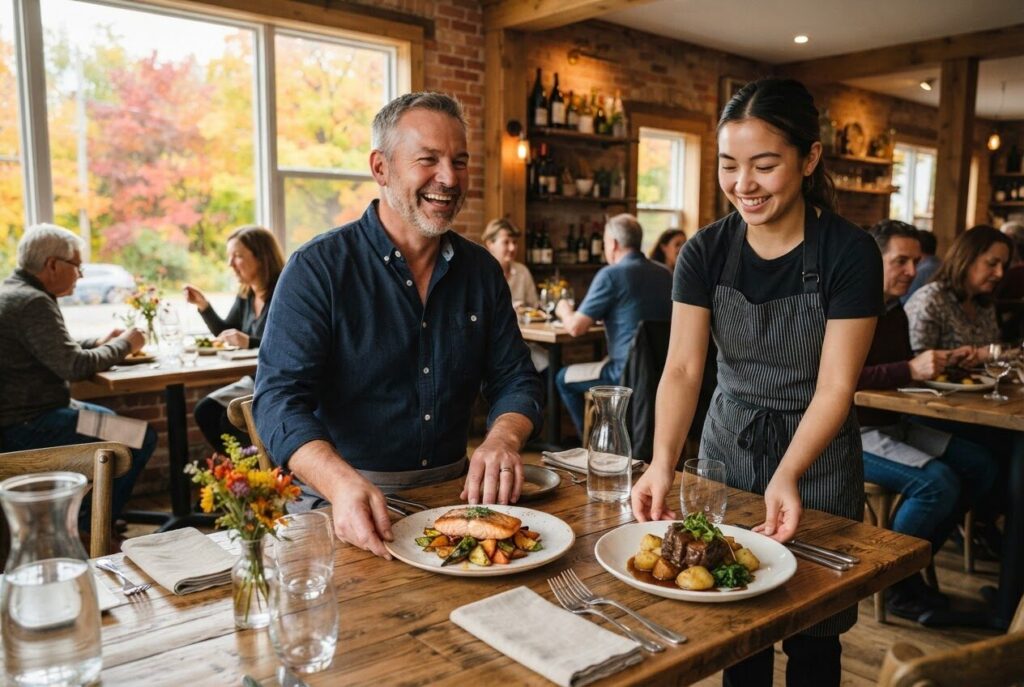
People eat with their eyes first. A few honest photos of your dishes, your dining room and your team tell a customer what to expect. They matter more than stock images that could belong to any restaurant anywhere.
An events calendar
Trivia night, live music, a holiday dinner, a weekend special: if your restaurant runs events, they deserve a proper home on your site. A calendar lets customers see what is coming up and plan a night out with friends. It also gives you one place to point people to instead of repeating the same details in a dozen messages.
See How an Events Calendar Works in Real Life
One local example is RoadhouseKFC.com, a Korean fried chicken restaurant in Innisfil. The events calendar on that site runs on DoctorX Events, one of the DrX WordPress plugins. ONLINEid.ca is an authorized developer for DrX, and you can read more on our Authorized DrX Developer page.
If your restaurant has regular nights or special evenings, a calendar like this is worth discussing. We can look at your needs during a free consultation and tell you what makes sense for your size and budget.
Make Sure Hungry Locals Can Find You
A great website helps most when people can actually find it. Many diners start with a search like "pizza near me" or "breakfast in Cookstown," and they often see map results first. Your Google listing and your website should show the same name, address, phone number and hours.
That is why we offer Google Placement for $99, which puts your business, contact details and website onto Google and Maps. If you want your reviews in front of visitors on your own site too, our Google Reviews add-on is $150 and shows your Google reviews right on your website. For a deeper look at the topic, read how Simcoe County businesses can win with local SEO and Google Maps visibility.
We cannot promise a specific ranking, because no honest company can. What we can do is make sure your information is complete, consistent and easy for customers to use.
Choose a Simple Website From $500 to Get Started
You do not need a large budget to move beyond a PDF. Our Simple Website starts from $500 setup. It is a professional online presence, think of it as a digital business card for your restaurant, with the essentials covered: your menu, hours, location and ways to reach you.
Every site we build is custom, with no generic templates, so it looks like your restaurant and not like everyone else’s. We also look after hosting and maintenance, so you can focus on the kitchen and the dining room. You can compare options on our Services & Pricing page.
If you want something bigger later, such as a web application or a fuller WordPress setup, you can grow from there. Start with what you need now.
Keep Your Website Fresh After Launch
A website works best when it matches what customers find at your door. A few habits make it easy:
- Update your menu when prices or dishes change.
- Check your hours before every holiday and long weekend.
- Add new photos when you launch a seasonal special.
- Post upcoming events as soon as you book them.
- Make sure your Google listing says the same things as your site.
These small steps take a few minutes, and they stop the frustration of a customer arriving at a closed door or ordering a dish you no longer serve.
Take the Next Step for Your Restaurant
Whether you run a family diner in Barrie, a pub in Newmarket, a bakery in Aurora or a food spot in Innisfil, the goal is the same: when a hungry person searches, they should find a readable menu, clear hours, a map and an easy way to reach you. A blurry PDF should not be the reason they choose someone else.
You can also call our A.I. answering line at (289) 807-6364. It answers any time and puts you through to the team.

Ready to give your restaurant a website that works as hard as you do? Book a free consultation with ONLINEid.ca. A team member will look at your business and make a plan with you, with no pressure and no jargon.