
Website Maintenance, Hosting and Help
Website Maintenance, Hosting and Help for Small Businesses
What it takes to keep a business website fast, safe and working: updates, backups, security, hosting and email, and what to do when something breaks.
The short answer: website maintenance means keeping the software up to date, taking backups you have tested, watching security, renewing the domain and certificate on time, and checking that forms and email still arrive. Skip it and a site gets slow, breaks after an update, or gets hacked.
We host and look after websites on a server cluster we built and run ourselves, with nightly backups. Need a fix today? See website help and IT support. The first look is free.
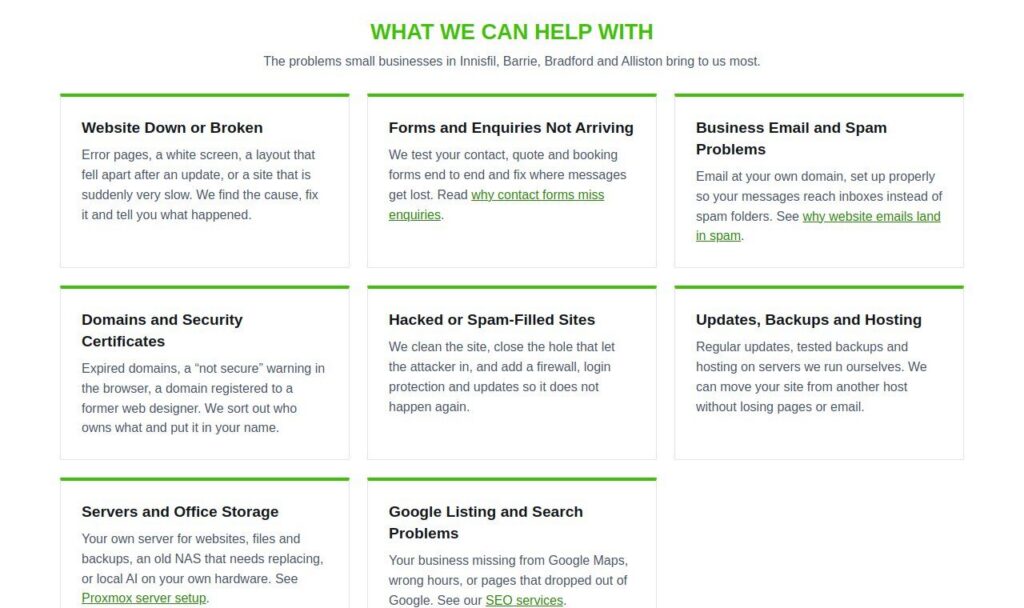
How We Look After Websites
The same habits we use on our own sites.
Our own servers
Our websites, the sites we host and our A.I. answering line run on a server cluster we built and look after ourselves, with nightly backups.
One change at a time
A backup before any change, one change at a time, and a check that everything answers before we call it done.
Security on every site
The Wordfence firewall, two-factor login for every admin, XML-RPC blocked and strict lockouts after failed logins.
Email that arrives
Form and booking emails sent through a proper sending service, not the web server default, so they reach inboxes.
WordPress + Hosting: $1,800
A ready WordPress site with a year of hosting, as a one-year promo.
Fixes for sites we did not build
We work on WordPress and most other platforms. If something cannot be fixed on a closed builder, we tell you before you pay.
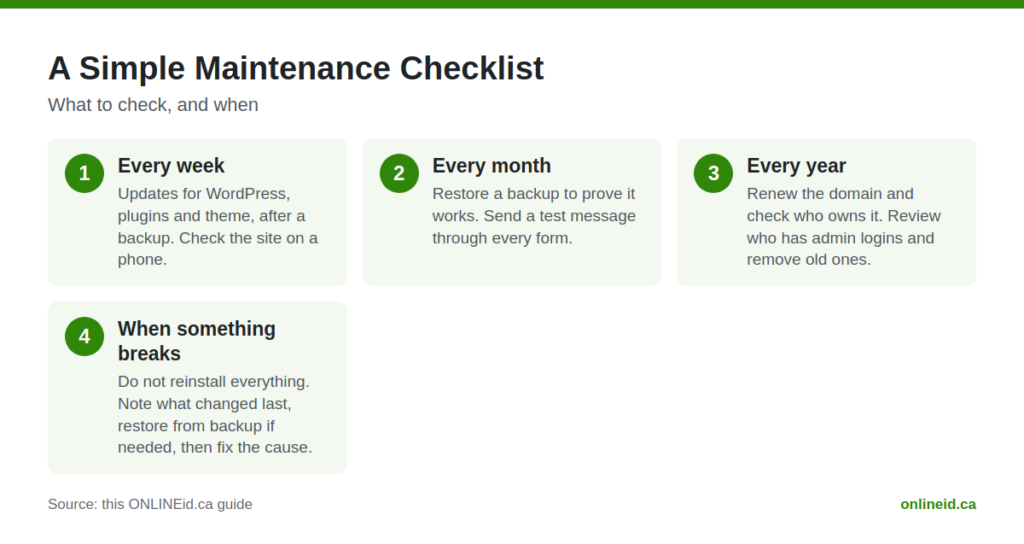
A Simple Maintenance Checklist
Every week
Updates for WordPress, plugins and theme, after a backup. Check the site on a phone.
Every month
Restore a backup to prove it works. Send a test message through every form.
Every year
Renew the domain and check who owns it. Review who has admin logins and remove old ones.
When something breaks
Do not reinstall everything. Note what changed last, restore from backup if needed, then fix the cause.
Website Care and Help Guides
- Web Hosting in Canada: Why Host Your Site Here
- Website Help and IT Support
- Local Business Secrets Revealed: 5 Overlooked Ways a Custom 404 Page Wins Back Customers Who Hit a Dead End
- 7 Reasons Your Website Emails and Enquiries Are Landing in Spam (And How to Fix Each One)
- 6 Mistakes Local Businesses Make When Choosing Website Hosting (and How to Fix Each One)
- How to Set Up a Simple Website Backup and Recovery Plan: A Step-by-Step Guide for Local Business Owners
- 6 Domain Name and Business Email Mistakes Local Owners Make (and How to Fix Them)
- Local Digital Growth: Why Your Business Needs Website Maintenance Services
- Why Website Automations Will Change the Way You Manage Your Business (And Save You 10+ Hours a Week)
- Website Maintenance Matters: 5 Security Risks Killing Your Small Business Site
Website Maintenance and Hosting Questions
What does website maintenance include?
Software updates, tested backups, security monitoring, domain and certificate renewals, and checks that forms, booking and email still work.
How much does website maintenance cost?
It depends on the site. The first look is free and you get a price before any paid work. Our WordPress + Hosting package includes a year of hosting for $1,800.
My website was hacked. What do I do first?
Change your admin and hosting passwords, then call someone who can clean it properly. We clean the site, close the hole, and add a firewall, login protection and updates.
Can you move my website to your hosting?
Yes. We move sites from other hosts without losing pages or email, and check every address before and after the move.
Do you offer IT support?
For the online side of your business: websites, domains, business email, hosting, backups and servers. We do not repair computers, phones or printers.