

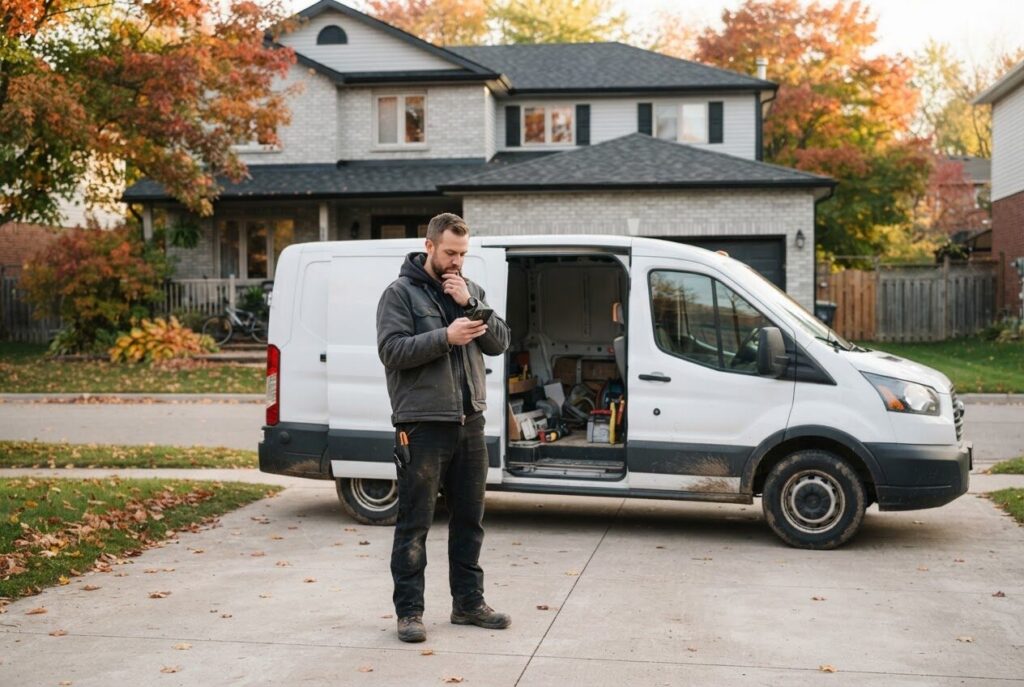
A customer is parked in a driveway in Alcona, phone in hand, looking for someone to fix a problem today. They find your website, spot your phone number and try to copy it. Nothing happens, so they go back to the search results and call the next business on the list.
Moments like this rarely show up anywhere. You never see the call that didn’t come. The good news is that the fixes are usually small, cheap and unglamorous. Here are six overlooked website tips local business owners in Innisfil and Simcoe County can use this week.
1. Make It Easy for Customers to Tap and Call
Most people search on their phone first, often while they are busy doing something else. If your number is plain text, they have to memorize it, switch screens and type it in. Some won’t bother.
A click-to-call number is a phone number that dials when it is tapped. It should be at the top of your mobile site and again near the bottom, not buried on a contact page. Good sites also keep a call button visible as people scroll.
Easy first step: open your website on your own phone and tap your number. If it doesn’t offer to call, that is your first fix. Do the same with your email address and your street address, which should open a mail app and a map.
2. Give Each Town You Serve Its Own Page
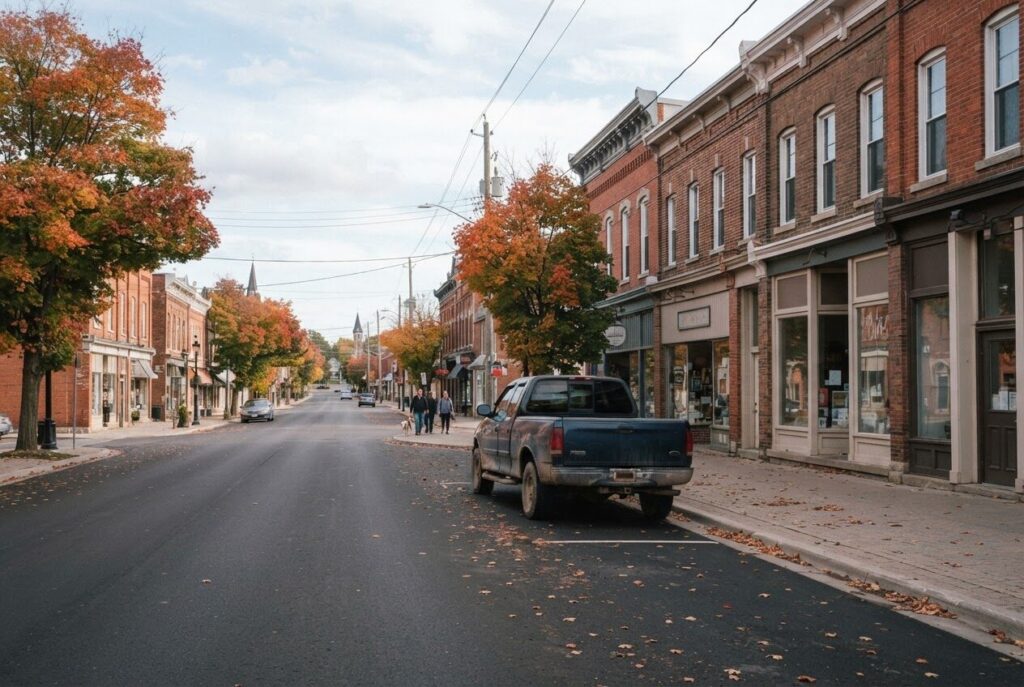
Many local websites say something like “serving Simcoe County and the GTA” and leave it there. That is a nice sentence, but it doesn’t tell a customer in Lefroy or Cookstown that you actually come to them. It also gives search engines very little to work with.
A service area page is a short page written for one town. A landscaper might have one page for Alcona, one for Lefroy and one for Cookstown. Each one can mention the neighbourhoods you work in, the jobs you do there and how quickly you can usually get out, if that is true for you.
Keep Every Page Honest
Don’t copy one page and swap the town name. Customers can tell, and so can search engines. Write a few real sentences about each place, such as a street you have worked on, a local job or a question people in that town often ask. Only list towns you really serve, whether that is Barrie, Bradford West Gwillimbury or Orillia.
Easy first step: pick the one town where you want more work and write one honest page for it. If you want the bigger picture, our post on local SEO secrets for Innisfil businesses goes further.
3. Say Thank You After the Form Is Sent
You have probably filled out a form online, pressed send and then wondered whether it worked. Your customers feel the same way. If the page just reloads or the form goes blank, some will submit it twice. Others will assume it broke and call a competitor.
A good thank-you message takes about two minutes to write. It confirms the message arrived, says when they can expect a reply and tells them what to do if it is urgent. For example: “Thanks, we got your message. We reply the same business day. If it can’t wait, call us.”
A confirmation email sent to the customer is a nice extra. It reassures them and gives them something to refer back to.
Easy first step: fill out your own contact form with a test message. Watch what you see on screen, check whether an email arrives and check how long it takes to reach you. Many owners discover that messages have been landing in a spam folder for months.
4. Keep Hours and Holiday Closures Current
Few things annoy a customer more than driving to a closed shop. It usually happens on a holiday weekend, when your website still shows regular hours. Thanksgiving, Christmas, Boxing Day, Family Day and the long weekends of summer are the usual culprits.
Your hours should match everywhere people look: your website, your Google listing and your social media pages. When they disagree, customers trust none of them. A short banner at the top of your site, such as “Closed Monday for the holiday, back Tuesday at 9”, saves a lot of frustration.
Easy first step: write down your next three closures or schedule changes and update every place that shows your hours. Then put a reminder on your calendar a week before each holiday.
5. Answer the Questions People Always Ask on the Phone
Think about the questions you answer over and over. Do you service my area? How soon can you come? Do you give free quotes? What does it usually cost to get started? What should I have ready before you arrive?
If you hear it often, a lot of your customers are wondering it. A plain-language questions page answers those things before the phone rings. It saves you time and helps people feel comfortable choosing you. It also gives search tools, including AI search, clear and direct answers to pull from.
Write It the Way You Talk
Skip the corporate language. Write the answer the way you would say it to a neighbour across the counter. Keep each answer to a few sentences, and be upfront when the real answer is “it depends”, then explain what it depends on.
Easy first step: for one week, keep a notepad by the phone and tally the questions you hear. At the end of the week, write answers to the top five. That is your page.
6. Do a Quick Monthly Check That Everything Still Works
Websites don’t stay finished. Forms stop sending, plugins go out of date, a photo vanishes and a link leads nowhere. None of it makes noise, and you only find out when a customer mentions it, if they bother to.
A monthly check takes about ten minutes. Pick the same day each month and run through this list on your phone:
- Tap your phone number and make sure it dials.
- Send a test message through your contact form and confirm it arrives.
- Click through your main pages and look for broken links or missing images.
- Check that your hours, prices and any seasonal notices are current.
- Search for your business name and make sure the details shown are right.
Security and updates matter here too, and we cover them in 5 security risks killing your small business site. Honestly, this is the item most owners mean to do and never get around to.
Let ONLINEid.ca Set These Up and Keep Them Working
None of these six things is hard. The trouble is that you are busy running a business, and small website jobs always slide to the bottom of the list. That is where we come in.
ONLINEid.ca builds custom websites for businesses in Innisfil, Simcoe County and the GTA, with no generic templates. We can set up click-to-call, write service area pages for the towns you really serve, build forms with a proper thank-you message and add a clear questions page. We also look after hosting and maintenance, so hours, holiday notices and the monthly checks get done without you thinking about them.
If you don’t have a site yet, a Simple Website starts from $500 setup. If you want to be easier to find, our Google Placement is $99 and puts your business, contact details and website on Google and Maps. You can see everything on our Services & Pricing page.
Start with the easy first step under whichever tip stood out to you. Even one of these fixed this week can mean one more call answered before the customer moves on.

Want a hand? Book a free consultation with ONLINEid.ca. A team member will look at your business with you and make a plan that fits. You can also call our A.I. answering line any time at (289) 807-6364, and it will put you through to the team.