
A custom mobile app gives your business a direct, convenient way to stay connected with customers in Innisfil and across Simcoe County. When the app is built around your customers’ needs, it can strengthen engagement, encourage loyalty, and simplify services that currently depend on phone calls, paper forms, or manual follow-up.
For local businesses, the goal is not to add technology for its own sake. The goal is to create a useful digital service that makes it easier for customers to book, buy, communicate, and return.
Define Your App’s Local Purpose
A clear purpose is crucial before development begins. Your app should solve a specific customer problem or improve an important business process rather than simply duplicate your website.
Start by identifying two or three measurable goals, such as:
- Increase repeat visits or purchases
- Improve customer loyalty and retention
- Reduce phone calls and appointment administration
- Make ordering, booking, or payments easier
- Promote local offers and important updates
- Give customers faster access to your services
A gym in Innisfil may need class bookings, membership information, and progress tracking. A contractor serving Barrie, Bradford West Gwillimbury, and nearby communities may benefit from quote requests, project updates, and appointment scheduling. A retail business may focus on loyalty rewards, product browsing, and mobile ordering.
The strongest app strategy connects every feature to a practical outcome. This keeps the project focused, affordable, and easier for your customers to use.
Research Your Customers and Competitors
Local research is essential because your app must reflect how people in your service area actually interact with your business. You do not need a large research project to identify useful patterns.
Speak with regular customers and ask what slows them down or causes frustration. Common concerns include waiting for a response, forgetting appointments, missing promotions, managing paper loyalty cards, or having difficulty finding current information.
You should also review what competing businesses offer online. Look for gaps in their booking process, customer communication, loyalty programme, or mobile experience. This research helps you define a clear reason for customers to choose your app.
The U.S. Chamber of Commerce guide to creating a small business app recommends researching your audience, competitors, budget, and development approach before building. The same principle applies to businesses in Simcoe County: a well-defined local need provides a stronger foundation than a long list of untested features.
Build Engagement Into the Experience
Customer engagement is vital because an app must provide ongoing value after the initial download. A simple, well-planned app can give customers more reasons to interact with your business regularly.
Useful engagement features include:
- Personalised account dashboards
- Service updates and reminders
- In-app messages for relevant announcements
- Digital access to bookings, purchases, or memberships
- Feedback forms and review links
- Local event information
- Saved preferences and repeat orders
Push notifications can help you communicate directly with customers, but they must be used carefully. Send useful reminders, limited-time offers, schedule changes, or updates that relate to a customer’s activity. Frequent, irrelevant messages can cause users to disable notifications or remove the app.
As a result, every notification should have a clear purpose and provide immediate value. A customer should understand why the message matters and what action to take.
Create a Digital Loyalty Programme
Digital loyalty is key to increasing repeat business. A mobile app can replace paper cards and disconnected promotions with a central rewards experience that customers can access whenever they need it.
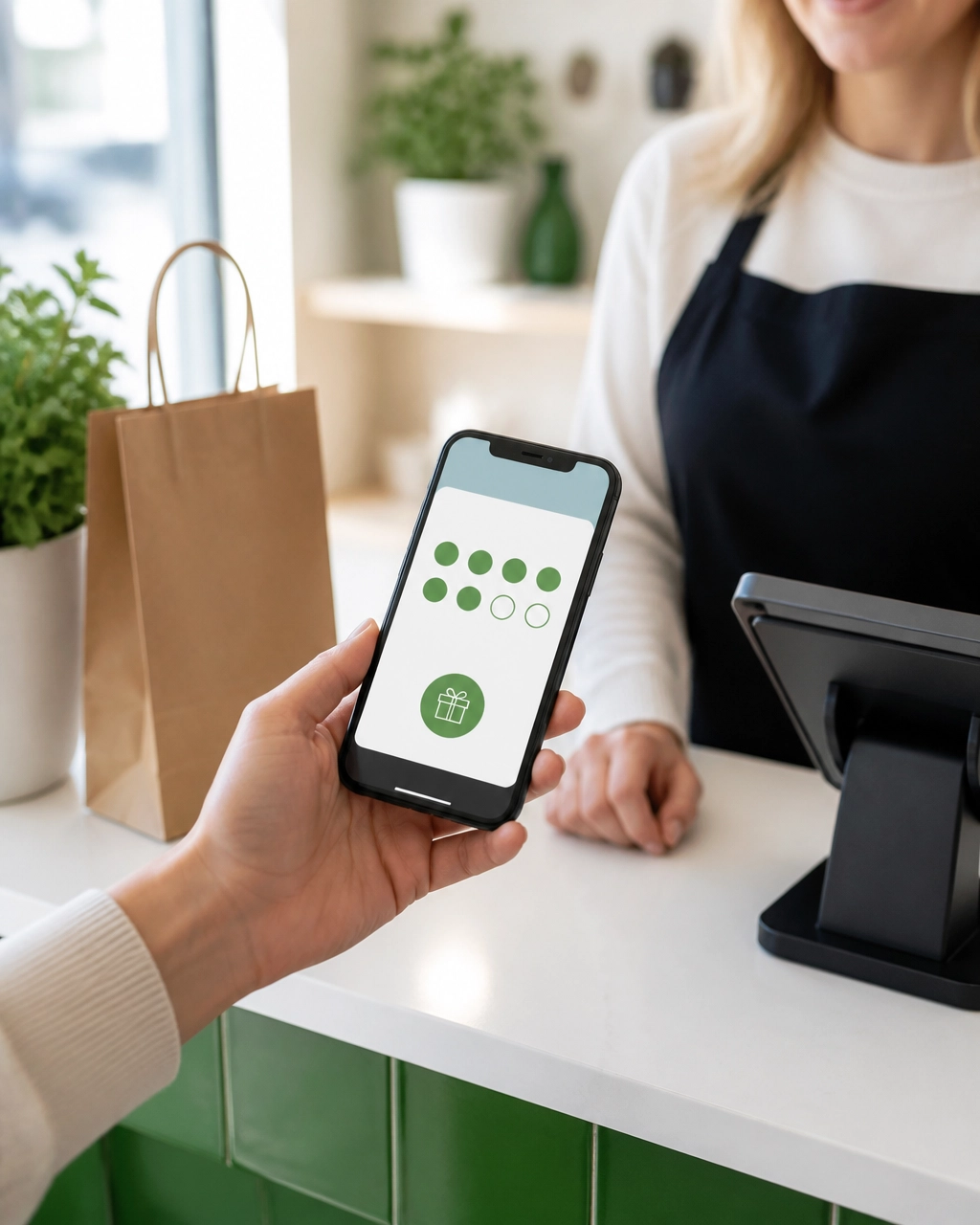
Your loyalty programme can include:
- Visit-based rewards
- Points for purchases or bookings
- Member-only discounts
- Birthday or anniversary offers
- Referral rewards
- Early access to new services
- Rewards for leaving feedback or completing a profile
The reward structure must be easy to understand. Customers should be able to see their progress, understand what they have earned, and know how to redeem it without contacting your staff.
For example, a café may offer a reward after a set number of purchases. A fitness studio may provide a member bonus after attending a certain number of classes. A local retailer may give returning customers early access to seasonal promotions.
The Salesforce guide to mobile apps for small businesses identifies direct communication, simplified transactions, constant visibility, and customer insights as important benefits of a business app. A well-designed loyalty programme supports all four by keeping your brand accessible and giving customers a reason to return.
Streamline Booking and Service
A streamlined service process is essential for reducing administrative work and improving the customer experience. If your business depends on appointments, reservations, classes, consultations, or service requests, mobile booking can remove several common barriers.
A custom app can allow customers to:
- View real-time availability
- Book or cancel appointments
- Receive automatic reminders
- Complete intake forms
- Pay deposits or invoices
- Join a waitlist
- Reschedule without calling
- Receive service updates
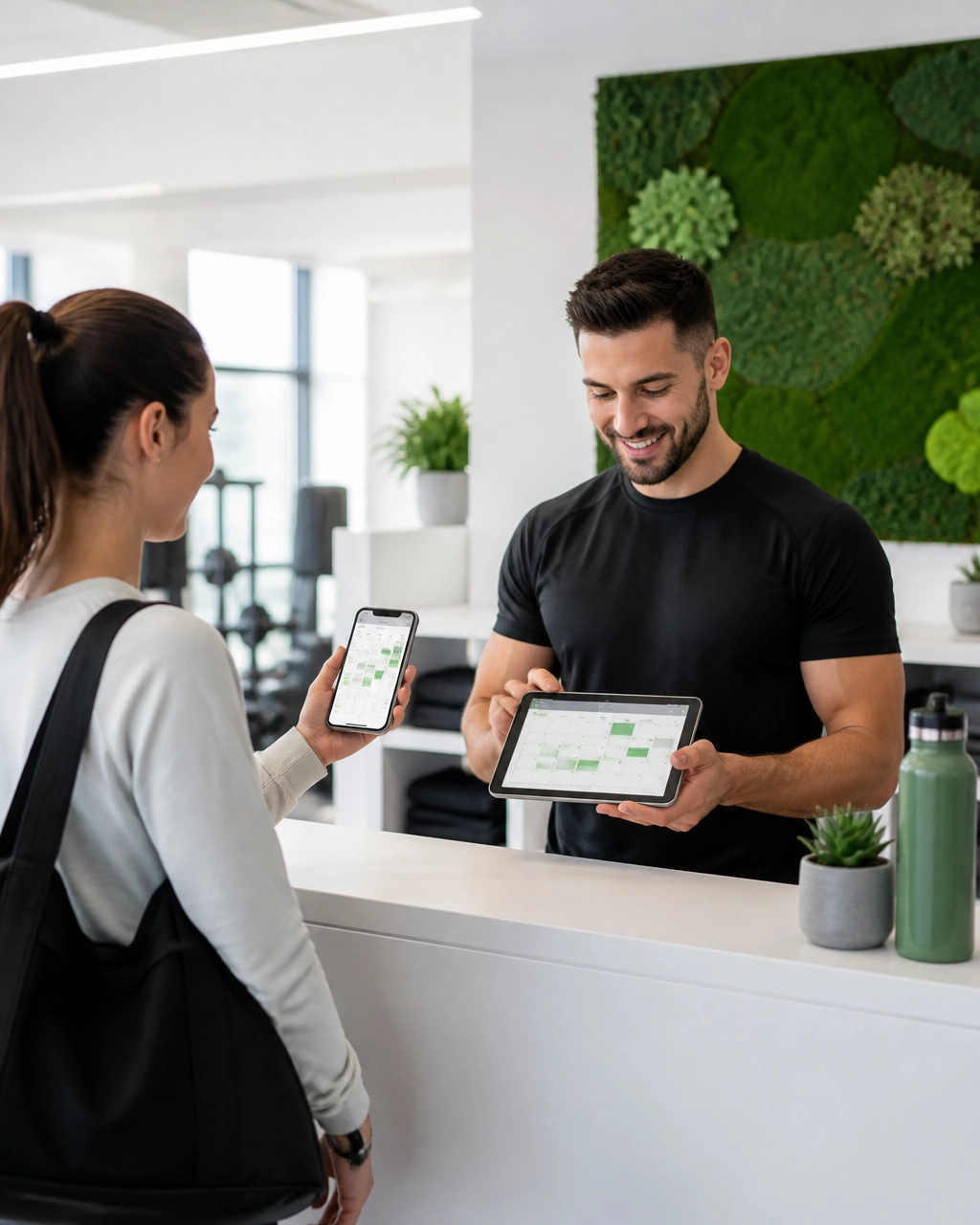
This can be especially valuable for gyms, salons, schools, clinics, trades businesses, and other service providers in Innisfil and Simcoe County. Your team spends less time answering routine calls, while customers gain more control over their schedules.
An app should also connect with your existing calendar, booking system, payment tools, or customer records whenever possible. This reduces duplicate data entry and helps prevent double bookings. For more information about reducing phone tag, see why your business needs an online booking system.
Design for Clarity and Trust
A clear user experience is crucial to app adoption. Customers will not continue using an app that feels slow, confusing, or difficult to navigate.
Keep the main actions visible from the home screen. Depending on your business, these actions may include:
- Book
- Order
- View rewards
- Request a quote
- Contact your team
- Manage an account
Use your existing logo, colour palette, and brand style so the app feels connected to your website and physical location. Buttons should be easy to tap, text should be readable, and important information should not be hidden behind unnecessary menus.
Trust is equally important. Your app should clearly explain how customer information is used, protect account details, and provide reliable access to business contact information. Customers should also be able to find your hours, location, service area, and support options without difficulty.
A mobile app is part of your complete digital presence, not a replacement for every other channel. Your website should continue to provide essential information for people who discover your business through search engines, referrals, or social media.
Connect the App to Your Business Systems
Integration is vital because your app should make your business easier to manage, not create another disconnected system. When possible, connect the app with the tools you already use for bookings, sales, customer communication, email, and inventory.
These connections can help you:
- Keep customer information organised
- Track bookings and purchases
- Update availability automatically
- Manage loyalty balances
- Send relevant follow-up messages
- Monitor service requests
- Reduce repetitive staff tasks
A contractor, for example, may use the app to collect lead details, schedule site visits, and share project updates. A school may use it for announcements, event bookings, and parent communication. A retailer may connect product availability, payments, and customer rewards in one experience.
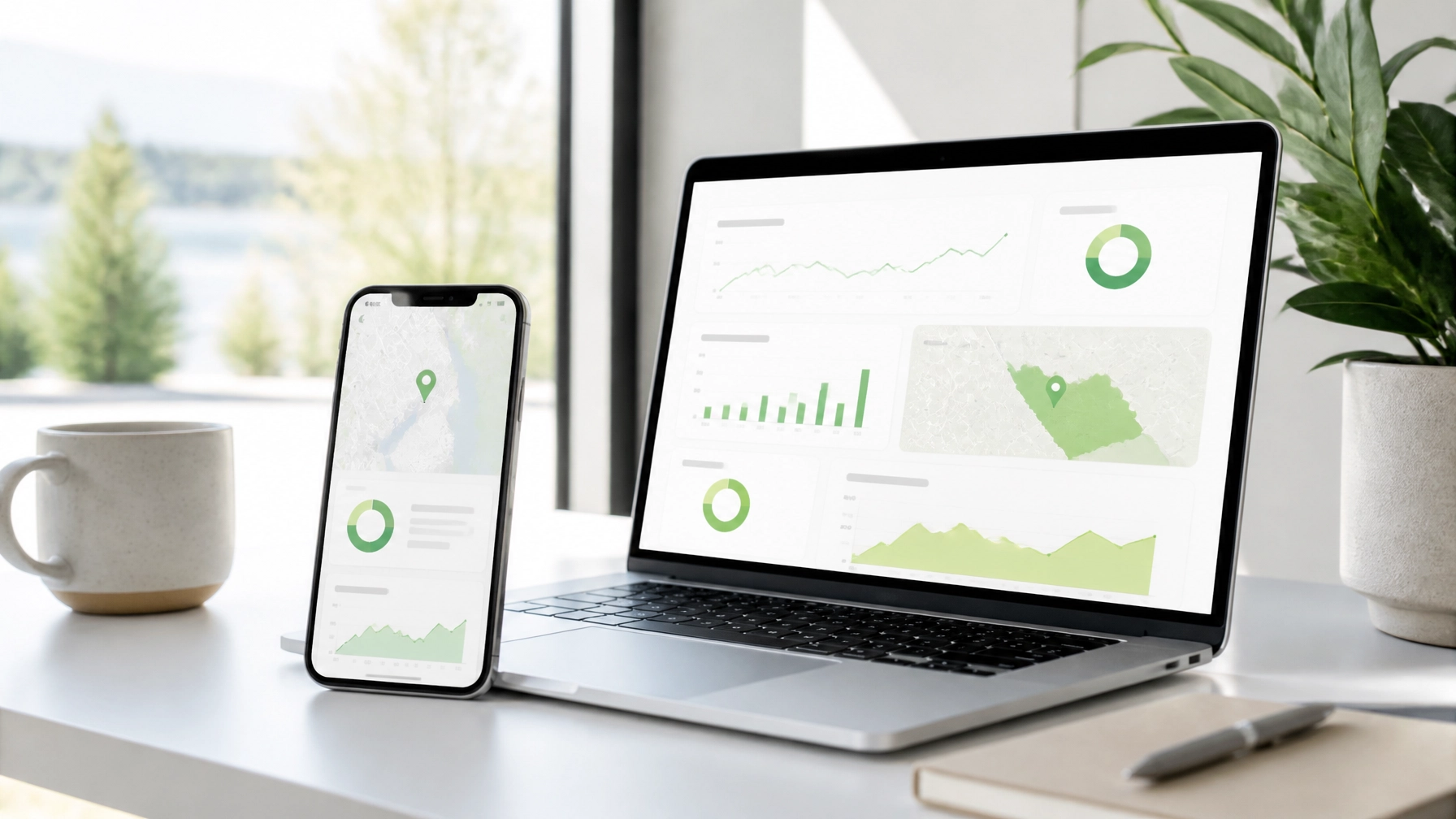
A managed approach can make these connections easier to maintain. ONLINEid provides managed website and digital services, allowing you to work with one team for development, hosting, updates, and ongoing support.
Promote the App Locally
Local promotion is key to generating downloads and regular usage. Customers need to understand the benefit before they take the time to install an app.
Promote the app through:
- A dedicated page on your website
- Google Business Profile updates
- Email campaigns
- Social media posts
- Receipts and invoices
- In-store posters and counter cards
- QR codes at checkout or reception
- Staff recommendations
- Local partnerships and community events
Your message should focus on the customer outcome rather than the technology. “Book your next class in seconds” is clearer than “Download our new mobile application.” “Collect rewards automatically” explains the benefit more directly than “Join our digital loyalty programme.”
Your website and local search visibility remain important because many customers will discover your business before they discover your app. Follow best practices for local search engine optimization, then guide interested customers from your website to the mobile experience.
Measure Results and Improve Regularly
Measurement is essential for understanding whether your app is supporting business growth. Select a small group of useful indicators and review them consistently.
Track metrics such as:
- Number of downloads and registrations
- Monthly active users
- Booking or ordering volume through the app
- Repeat purchases or visits
- Loyalty reward redemptions
- Notification engagement
- Abandoned bookings or checkouts
- Customer feedback and app ratings
The objective is not to collect every possible statistic. The objective is to identify what customers use, where they stop, and which features contribute to better business results.
In addition, collect direct feedback through short surveys, support conversations, and review requests. Small improvements to registration, booking, navigation, or rewards can make the app more useful over time.
Launch in Practical Stages
A staged launch is often the most effective approach for a small business. It allows you to control costs, test the customer experience, and add features according to real demand.
A practical plan may include:
-
Days 1–30: Define and research
Identify your goals, speak with customers, review competitors, and select the essential features. -
Days 31–60: Design and develop
Build the main customer journeys, connect important business systems, and test the app on iPhone and Android devices. -
Days 61–90: Launch and promote
Publish the app, train your team, promote it across local channels, and monitor early usage.
This approach keeps your first release focused while leaving room to add features later. Your app can grow as your customer base, services, and business goals develop.
Support Your Local Digital Growth
A custom mobile app can give your Innisfil or Simcoe County business a stronger direct connection with customers. By combining useful engagement tools, digital loyalty rewards, convenient booking or ordering, and connected business systems, you can improve service while encouraging repeat business.
As a result, your app becomes more than another marketing channel. It becomes a practical service hub that helps customers interact with your business and helps your team manage everyday work more efficiently. With a focused plan and ongoing support, mobile app development is an achievable step toward a more organised and competitive digital presence.
To plan a custom mobile app for your local business, call us at (289) 807-6364