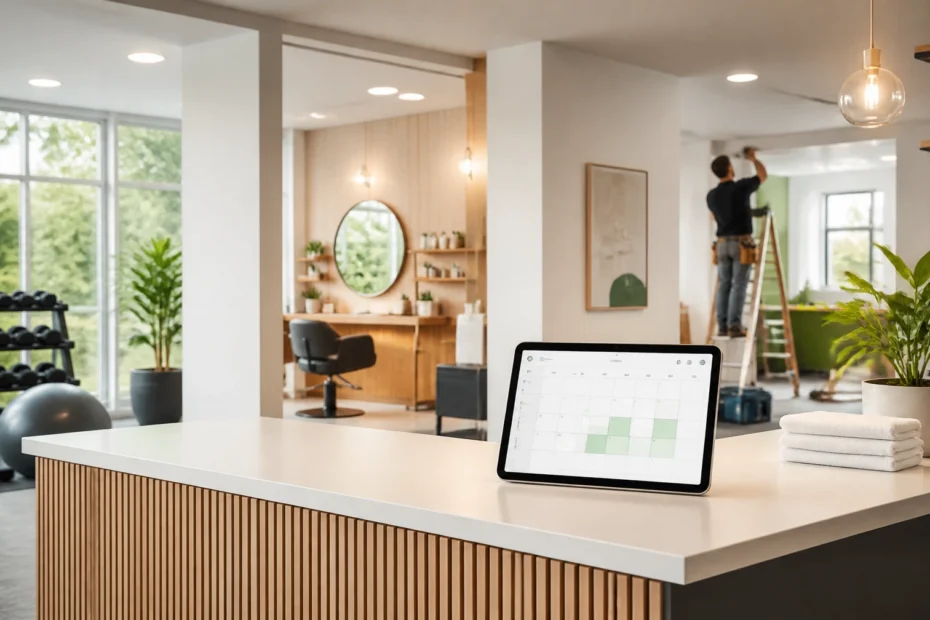
For many businesses in Innisfil and across Simcoe County, the first customer interaction happens online. A potential client may find you through a local search, visit your website after work, and decide within minutes whether to contact you or continue looking.
If your only booking option is a phone call during business hours, you may lose customers before you have the opportunity to speak with them. An online booking system allows people to schedule appointments, consultations, classes, and service visits when it is convenient for them.
This simple addition can help you fill your calendar, reduce missed bookings, improve customer service, and create a more reliable path from local search to paid business.
Make Booking Available Around the Clock
Being available outside regular business hours is crucial because customers do not search and book only between 9:00 a.m. and 5:00 p.m. A homeowner in Innisfil may need to arrange a contractor visit in the evening, while a commuter travelling between Barrie and Toronto may prefer to book a gym class or salon appointment before bed.
An online booking system gives customers access to your availability 24 hours a day. They can review your services, choose a suitable time, and receive confirmation without waiting for a response.
This removes several common barriers:
- Missed calls during busy periods
- Delayed replies to website enquiries
- Phone tag between customers and staff
- Appointment requests received outside business hours
- Uncertainty about which services and times are available
As a result, your website becomes more than an information page. It becomes a practical tool for turning local interest into confirmed appointments.
Create a Clear Booking Path
A straightforward booking process is essential because every extra step creates another opportunity for a potential customer to leave. Your website should make it clear what customers can book, how long each service takes, and what they should expect next.
A strong booking path usually includes:
- A short description of each service
- Available dates and times
- Your service area or location
- Pricing, deposits, or payment requirements
- A simple customer information form
- Immediate confirmation by email or text message
- Clear cancellation and rescheduling instructions
The process should work well on mobile phones because many local searches happen on mobile devices. Customers should not need to download an application or create a complicated account before they can request a basic appointment.
ONLINEid can help you build a booking website around the way your business operates. Explore the website creation services to see how your website, booking tools, and customer enquiries can be managed together.
Fill More Gym Classes and Training Sessions
Online scheduling is vital for gyms, fitness studios, personal trainers, and recreation businesses because it gives members a clear view of available classes and sessions. Instead of relying on a paper sign-up sheet or front desk staff, customers can reserve their place whenever they are ready.

A gym in Innisfil, Barrie, or Bradford West Gwillimbury can use online booking to manage:
- Group fitness classes
- Personal training sessions
- New member consultations
- Equipment or facility reservations
- Trial workouts
- Special events and workshops
The system can also limit class capacity, create waitlists, and prevent double bookings. When a space becomes available, the next person on the waitlist can be notified automatically.
Industry resources such as GymMaster’s guide to gym scheduling software and Perfect Gym’s overview of online booking highlight the value of self-service scheduling, reminders, and real-time availability for fitness businesses.
In addition, booking data helps you see which classes are most popular and which time slots need more promotion. You can use that information to adjust your schedule instead of relying on guesswork.
Reduce Missed Appointments
Reducing missed bookings is crucial because an empty appointment slot still represents lost time and lost revenue. A missed salon appointment, consultation, training session, or service visit can also affect the rest of your day.
An online booking system can send automatic confirmations and reminders before each appointment. Customers receive the important details while the booking is still fresh in their minds, and they have a clear way to reschedule if their plans change.
Useful reminder features include:
- Immediate booking confirmation
- A reminder several days before the appointment
- A second reminder on the day of the booking
- Calendar links for easy schedule management
- Cancellation and rescheduling options
- Deposit or payment collection when appropriate
For salons and wellness businesses, reminders can help protect valuable time in the chair or treatment room. For contractors, they can reduce situations where a crew arrives at a property and the customer is unavailable.
Clear policies also matter. Your system can explain how much notice is required for a cancellation and whether a deposit applies. This gives you a consistent process that is easier for customers and staff to understand.
Give Salons and Service Businesses More Flexibility
Flexible scheduling is key for salons, spas, wellness providers, tutors, cleaners, and other appointment-based businesses. Customers often want to book while they are comparing services, planning their week, or browsing on their phone after work.

A salon can allow customers to choose a stylist, service, duration, and available time. A wellness clinic can separate consultations from longer treatment appointments. A home service business can offer different booking types based on the size or location of the job.
This level of organisation improves the customer experience because people see accurate information before they commit. It also helps your team prepare for the day ahead.
You can use booking data to identify:
- Your busiest days and times
- Services that generate the most demand
- Customers who book regularly
- Appointment times that are often left empty
- Opportunities to promote quieter periods
For example, if Tuesday afternoons are consistently underused, you can offer a limited promotion for that period. If evening appointments fill quickly, you can consider adding capacity or adjusting staff coverage.
Schedule Contractor Visits More Efficiently
Online booking is essential for contractors because it reduces phone tag and creates a more organised way to arrange estimates, consultations, inspections, and maintenance visits. It does not need to replace your sales process; it should make the first step easier.

A contractor serving Innisfil, Essa, Barrie, or other Simcoe County communities can use a booking form to collect useful information before confirming a visit. Customers can provide their address, project type, preferred time, photos, and a short description of the work.
You can create separate booking options for:
- Residential estimates
- Commercial consultations
- Seasonal maintenance
- Emergency service requests
- Site measurements
- Follow-up visits
- Virtual consultations
For projects that require more information, the system can send the request to your team for review before final confirmation. This prevents unsuitable time slots from being booked and gives you better information before travelling to the property.
You can also define service areas and availability windows. This helps you group visits by location and reduce unnecessary travel between communities such as Innisfil, Alcona, Cookstown, Barrie, and surrounding areas.
Connect Booking with Local Search
Connecting your booking system to your local marketing is vital because visibility only creates growth when customers can take action. Your website, Google Business Profile, social media pages, and local advertising should direct people to a clear booking page.
A potential customer searching for a “gym near Innisfil,” “salon in Alcona,” or “contractor in Simcoe County” should be able to move from search results to a service description and booking form without confusion.
Your booking page should include:
- Your business name and service area
- A clear description of the services offered
- Local references such as Innisfil, Barrie, or nearby communities
- Consistent contact information
- Customer reviews where appropriate
- A visible booking button
- Fast loading on mobile devices
Local relevance should be natural and accurate. Do not list communities you do not serve simply to attract search traffic. Instead, explain where you work and make it easy for nearby customers to confirm whether your services are available to them.
Automate the Work Behind the Scenes
Automation is key because your booking system should reduce administration rather than create another task to manage. When a customer books, the system should update your calendar, send confirmation, and provide the next steps automatically.
Depending on your business, automation can also:
- Notify the correct staff member
- Collect deposits or full payment
- Send intake forms
- Add customers to a mailing list with permission
- Update a customer record
- Trigger follow-up messages
- Request a review after the appointment
This gives you more time to serve customers, manage staff, and complete the work that generates revenue. It also creates a more consistent experience when several people handle bookings.
A managed digital solution can bring your website, online forms, email, booking tools, and other services together. You can review available website add-ons or contact ONLINEid to discuss a booking setup suited to your business.
Use Booking Data to Improve Your Calendar
Reviewing your booking data is important because your schedule contains useful information about customer behaviour. It shows when people want your services, which offerings receive the most attention, and where your business has unused capacity.
You can use this information to make practical decisions:
- Add staff during high-demand periods
- Promote services during quiet times
- Remove services that are not generating interest
- Create packages around frequently booked services
- Adjust appointment lengths
- Improve your service area planning
The goal is not to collect information for its own sake. The goal is to use accurate scheduling data to make your business easier to operate and more convenient to use.
Choose a System That Can Grow with You
Selecting the right booking system is crucial because your needs may change as your business grows. A small salon may begin with basic appointments, while a larger team may later need staff calendars, deposits, service categories, and automated follow-up.
Before choosing a solution, confirm that it can support:
- Multiple employees or service providers
- Different appointment types
- Mobile-friendly booking
- Automatic reminders
- Online payments or deposits
- Calendar synchronisation
- Customer records
- Reporting and booking history
- Future website and application improvements
Your booking system should fit your current budget while leaving room for future development. A local business should not have to rebuild its entire online presence every time it adds a service or hires another team member.
Grow Your Simcoe County Business with Easier Scheduling
An online booking system gives your local business a practical way to capture more enquiries, fill open appointments, and reduce the disruption caused by missed bookings. It helps gyms manage classes, salons protect appointment time, contractors organise site visits, and service businesses provide a more convenient customer experience.
In addition, booking tools create useful information about demand, help your team spend less time on administration, and connect your website more effectively with local search. For businesses in Innisfil and across Simcoe County, this creates a dependable path from online discovery to confirmed business.
As a result, your website works harder, your schedule becomes easier to manage, and your customers receive a clearer experience from the first click. To discuss an affordable booking website for your business, call Rachel at 705-998-4126