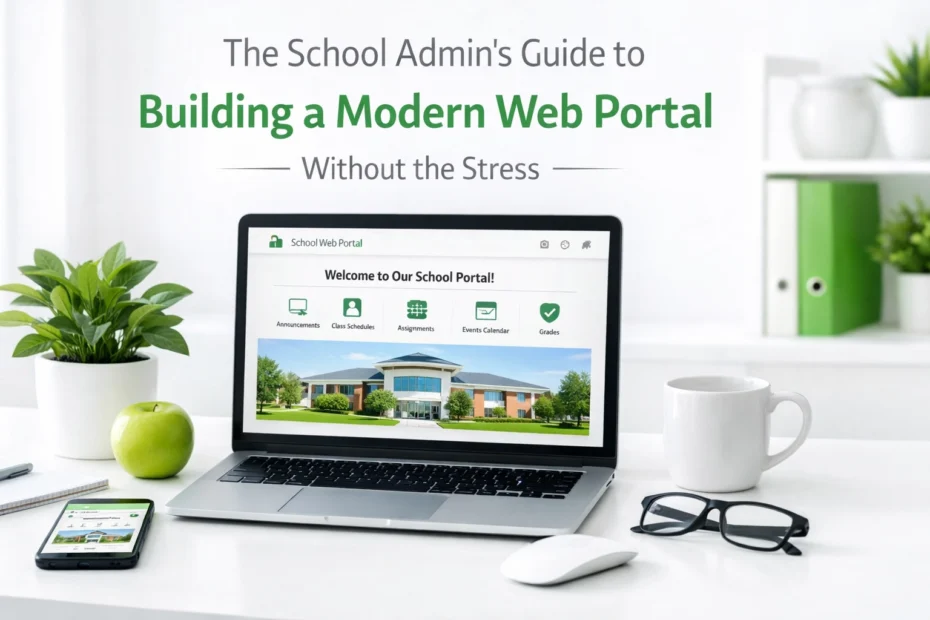
Managing a school involves balancing a massive amount of information across several different groups of people. Between teachers, parents, students, and administrative staff, the volume of communication can become overwhelming very quickly. A modern web portal is the most effective way to centralize these interactions and reduce the daily stress of school management. When done correctly, a portal serves as a digital headquarters that keeps everyone informed and organized without requiring constant manual updates.
Building a portal that actually works requires a shift away from old-fashioned, static websites toward dynamic, user-focused platforms. Many schools in the Simcoe County area and throughout Ontario are finding that their existing systems are fragmented. Parents often have to log into one site for grades, another for lunch payments, and check their email for general announcements. This digital sprawl creates frustration and leads to missed information. Establishing a streamlined, all-in-one solution is the key to maintaining a professional image and a functional environment.
Define Clear User Roles and Personas
Identifying the specific needs of each user group is the first step in creating a successful portal. A generic landing page for everyone often results in a cluttered experience where users struggle to find what they need. You must categorize your users into distinct personas such as administrators, teachers, parents, and students. Each of these groups has unique goals when they visit your site, and the portal should reflect those priorities immediately upon login.
Teachers require quick access to attendance records, lesson planning tools, and internal staff resources. Parents, on the other hand, are primarily interested in their child's progress, upcoming events, and school fees. By mapping out these specific workflows, you ensure the portal simplifies their lives rather than adding another task to their day. It is vital to consider how these users move through the site to minimize the number of clicks required to reach essential information.
Create a Centralized Technical Foundation
Integrating your various existing systems into one central hub is crucial for a stress-free experience. Most schools already use a variety of software for student management, accounting, and learning. The problem arises when these systems do not talk to each other. A modern web portal should act as a bridge that connects these disparate tools using secure authentication methods. This allows a parent to use one single set of credentials to access everything they need.
Reducing digital sprawl is essential for administrative efficiency. When systems are integrated, data only needs to be entered once, which reduces the chance of errors and saves hours of manual labour for your office staff. In addition, a centralized foundation makes it much easier to manage security and privacy. You can control exactly who has access to sensitive student data from one main dashboard rather than managing dozens of different accounts across multiple platforms.
Implement Role-Based Personalization for Users
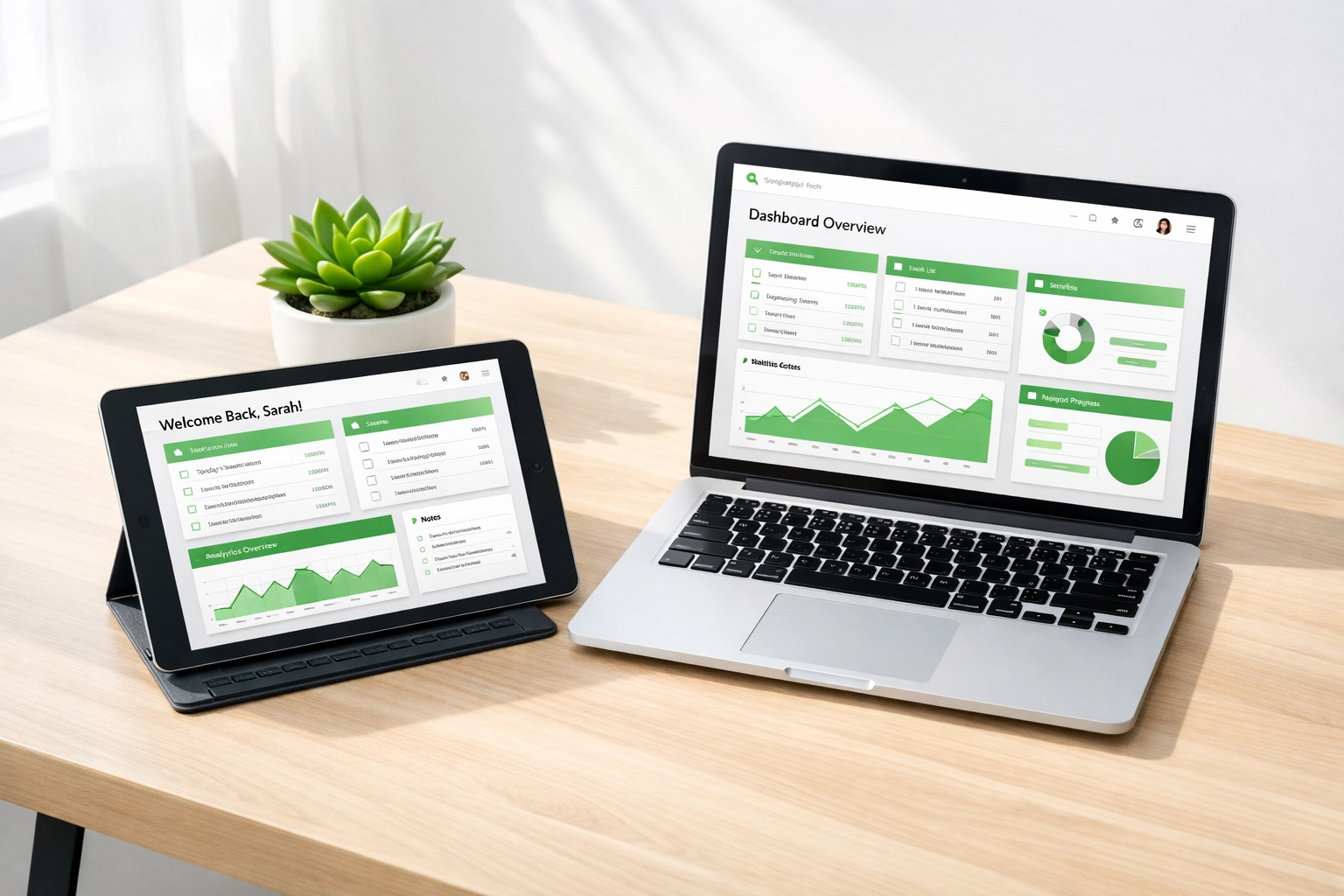
Delivering the right content to the right person is a fundamental part of modern web design. Role-based personalization ensures that when a user logs in, they only see the tools and information relevant to them. For example, a teacher should see their specific class schedule and grading modules, while a parent should see a dashboard focused on their children's activities and school news. This level of customization prevents the portal from feeling cluttered and overwhelming.
As a result of this personalization, engagement with the portal usually increases. Users are more likely to return to a site that feels tailored to their needs. You can set up automated group management so that when a student moves to a new grade or a teacher changes departments, their portal view updates automatically. This reduces the administrative burden of manually updating permissions and ensures that everyone always has access to the correct resources.
Prioritize Intuitive Design and Mobile Compatibility
Providing a user-friendly design is essential because an outdated or confusing website can damage the trust parents place in your school. Research suggests that a significant majority of users judge the credibility of an organization based on their website design. Your portal must look professional, load quickly, and be easy to navigate on any device. In a busy neighbourhood where parents are often checking updates on their phones while on the go, mobile responsiveness is not optional.
Intuitive navigation means that users do not need a manual to figure out how to use the site. Menus should be clearly labeled, and the most frequently used features should be front and centre. In addition, maintaining consistent branding throughout the portal helps build a sense of community and reliability. Using the school’s colours and logos across all pages creates a cohesive experience that feels like an extension of the physical campus.
Simplify Workflows with Digital Forms
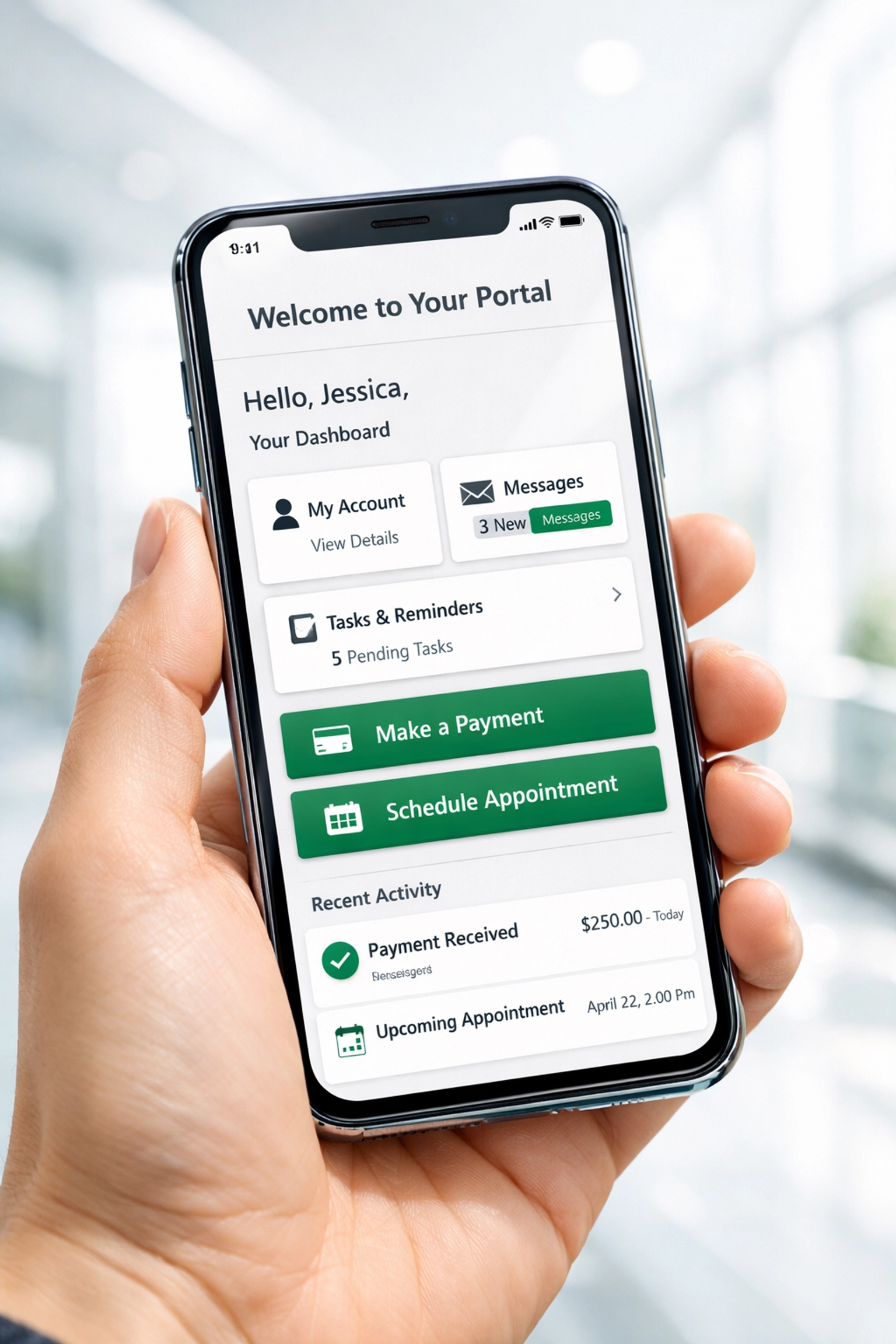
Replacing paper-based processes with digital forms is one of the fastest ways to reduce administrative stress. Traditional paper forms are often lost, difficult to read, or slow to process. By moving permission slips, medical forms, and registration documents into the portal, you create a transparent and efficient workflow. Parents can submit information in seconds, and administrators can track submissions in real-time without sifting through stacks of paper.
In addition to saving time, digital forms improve the accuracy of your records. You can set mandatory fields to ensure all necessary information is collected before a form is submitted. Once a form is completed, the data can be automatically routed to the correct department for approval. This systematic approach ensures that nothing falls through the cracks and allows your staff to focus on more important tasks than data entry.
Enhance Communication Through a Unified Platform
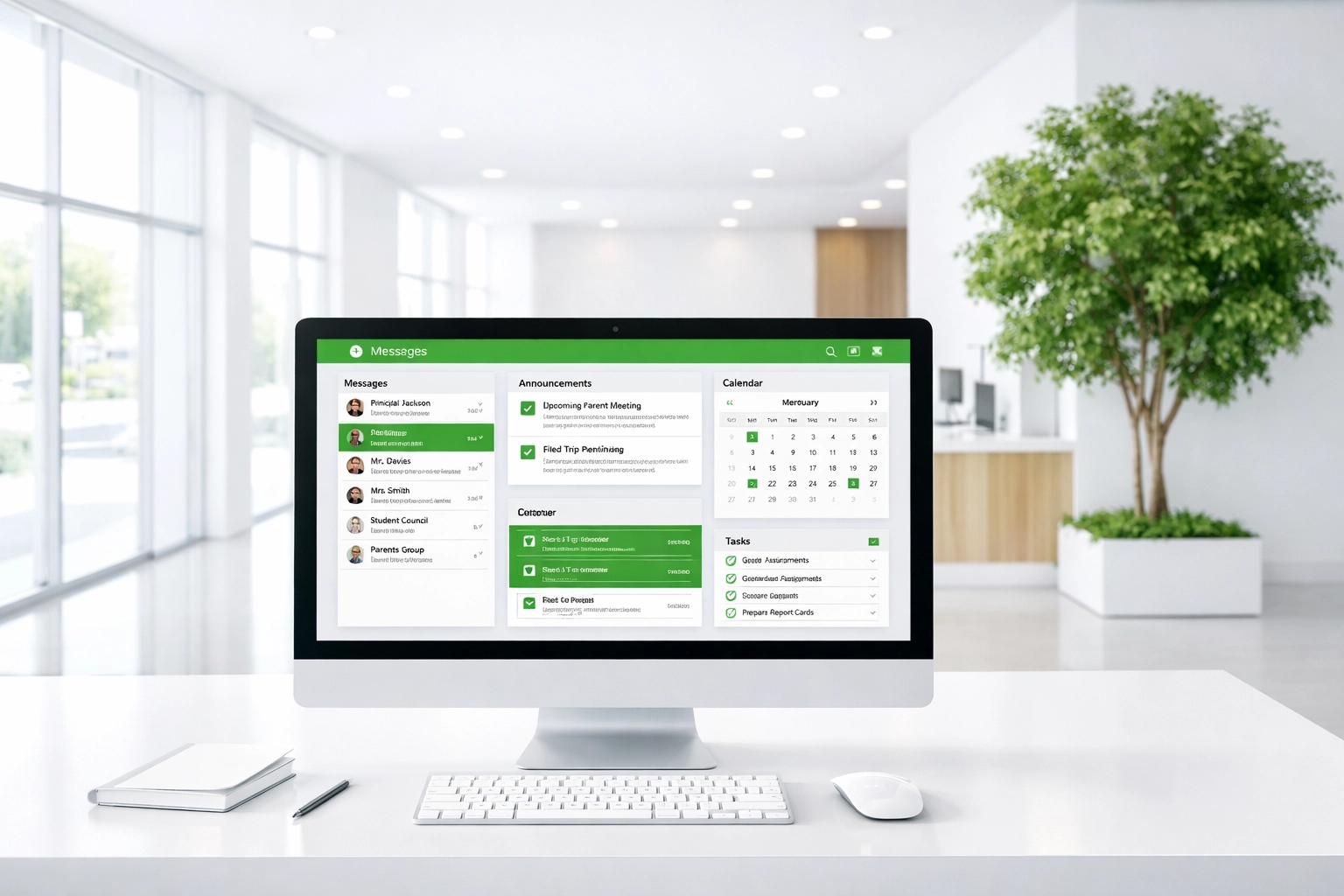
Establishing a single source of truth for school communications is vital for keeping everyone on the same page. Instead of relying on a mix of emails, social media posts, and paper newsletters, the portal should be the primary destination for all announcements. This ensures that parents know exactly where to look for the most current information. You can use built-in messaging systems and notification bars to alert users to urgent updates, such as school closures or event changes.
Finally, creating a "one-stop shop" feel encourages the school community to interact more frequently. When the portal includes a calendar of events, school news, and resource links, it becomes a valuable daily tool. By consolidating these elements, you eliminate the confusion of where to find specific details. A well-organized communication strategy within the portal fosters a more connected and informed school environment.
Leverage Custom Solutions from ONLINEid
Building a sophisticated web portal might seem like a daunting task for a busy school administrator, but you do not have to do it alone. At ONLINEid, we specialize in creating custom digital services that are specifically designed to meet the unique needs of educational institutions. We understand that every school has its own set of challenges and goals, which is why we focus on building tailored solutions rather than using a one-size-fits-all approach.
Our team works closely with you to understand your current workflows and identify areas where technology can make the most significant impact. Whether you need to integrate a complex student information system or simply want a more user-friendly way for parents to sign forms, we have the expertise to make it happen. Partnering with a professional team ensures that your portal is secure, reliable, and capable of growing with your school for years to come.

Stay Focused on Long-Term Success
Maintaining a modern web portal is an ongoing process that requires regular updates and support. Technology is always evolving, and your school's needs will likely change over time. It is essential to have a plan for ongoing maintenance and to listen to feedback from your users. Regularly checking in with teachers and parents to see how the portal is working for them can provide valuable insights for future improvements.
As a result of staying proactive, your school will maintain a reputation for being forward-thinking and organized. A high-quality digital presence reflects the high standards of your educational programs. By investing in a robust web portal today, you are setting the foundation for better communication and more efficient administration for the entire school community.
In conclusion, building a modern school portal is an achievable goal that offers immense benefits for administrators, teachers, and parents. By focusing on clear user roles, centralizing your technical systems, and prioritizing intuitive design, you can eliminate the stress of managing school data. Moving to digital forms and unified communication platforms further streamlines your daily operations. Finally, working with experts like the team at ONLINEid allows you to implement a professional, custom solution that serves as the heart of your school’s digital identity.
If you are ready to simplify your school's administration and build a portal that your community will actually love using, we are here to help. You can reach out to our team to discuss your specific needs and see how we can transform your digital presence.
To get started on your school's new web portal, call Rachel at 705-998-4126.